
Find places with context
Browse editorial lists, search the map, or start with recommendations from people you follow.
Recommendations get scattered across chats, maps, notes, and screenshots. Spotly keeps the place, the tip, and its location together in one searchable library.
Spotly is now available for iPhone in the App Store.
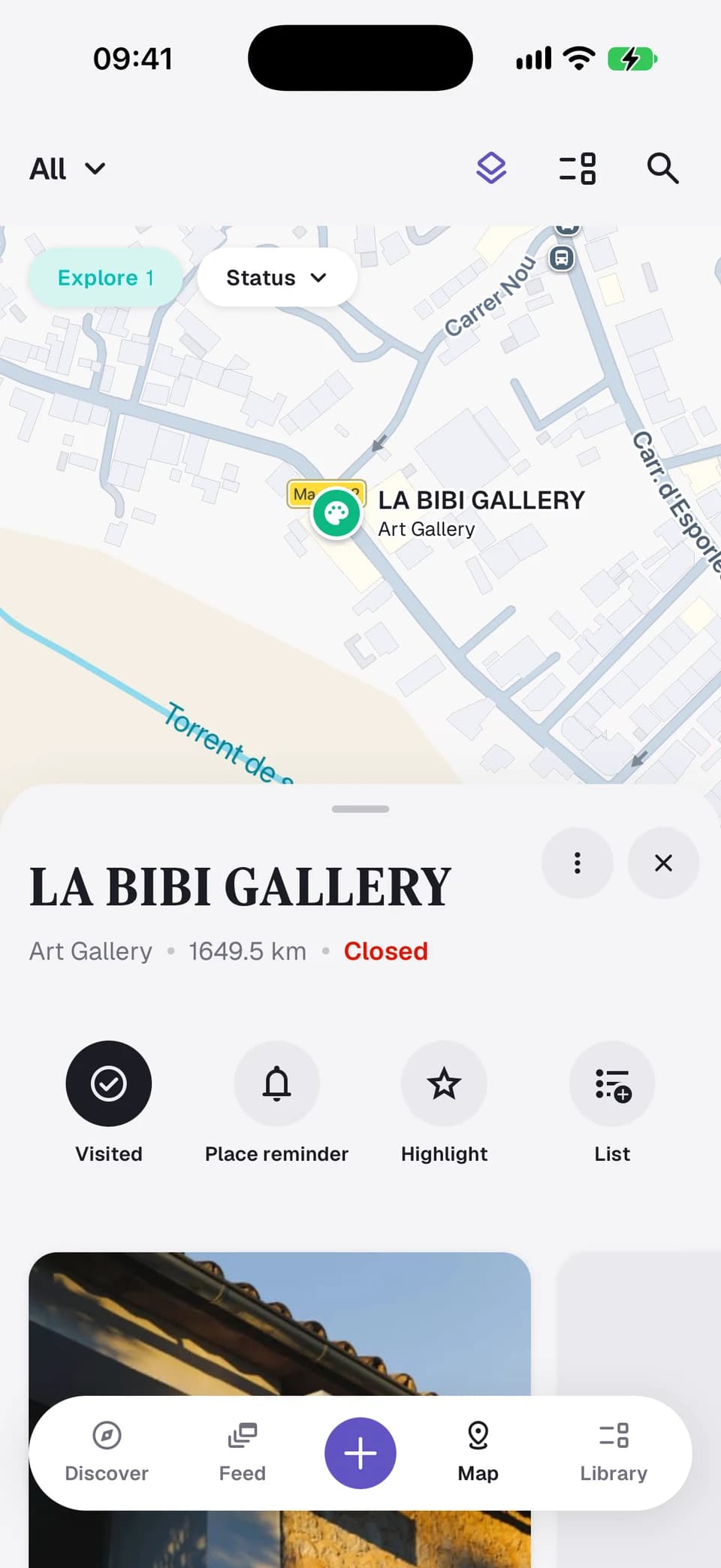
Spotly keeps a place together with the person who recommended it, the note they added, and its location on the map.
When you search the area later, the recommendation is still attached to the place instead of buried in a chat.

 Curated by SpotlyBerlin Coffee Essentials
 Berlin
 12 Spots
Curated lists
Specialty roasters, hand-brew bars, Italian counters, and a few less obvious stops across Berlin's coffee scene.
Open Berlin Coffee EssentialsBrowse editorial lists, search the map, or start with recommendations from people you follow.
Browse saved spots by list, region, visit status, or tag.
Enable a reminder for a planned spot and get notified when you are nearby.
Discover
Start with a curated list or a person whose taste you know. Open a place to see its tips, photos, and details.
Download Spotly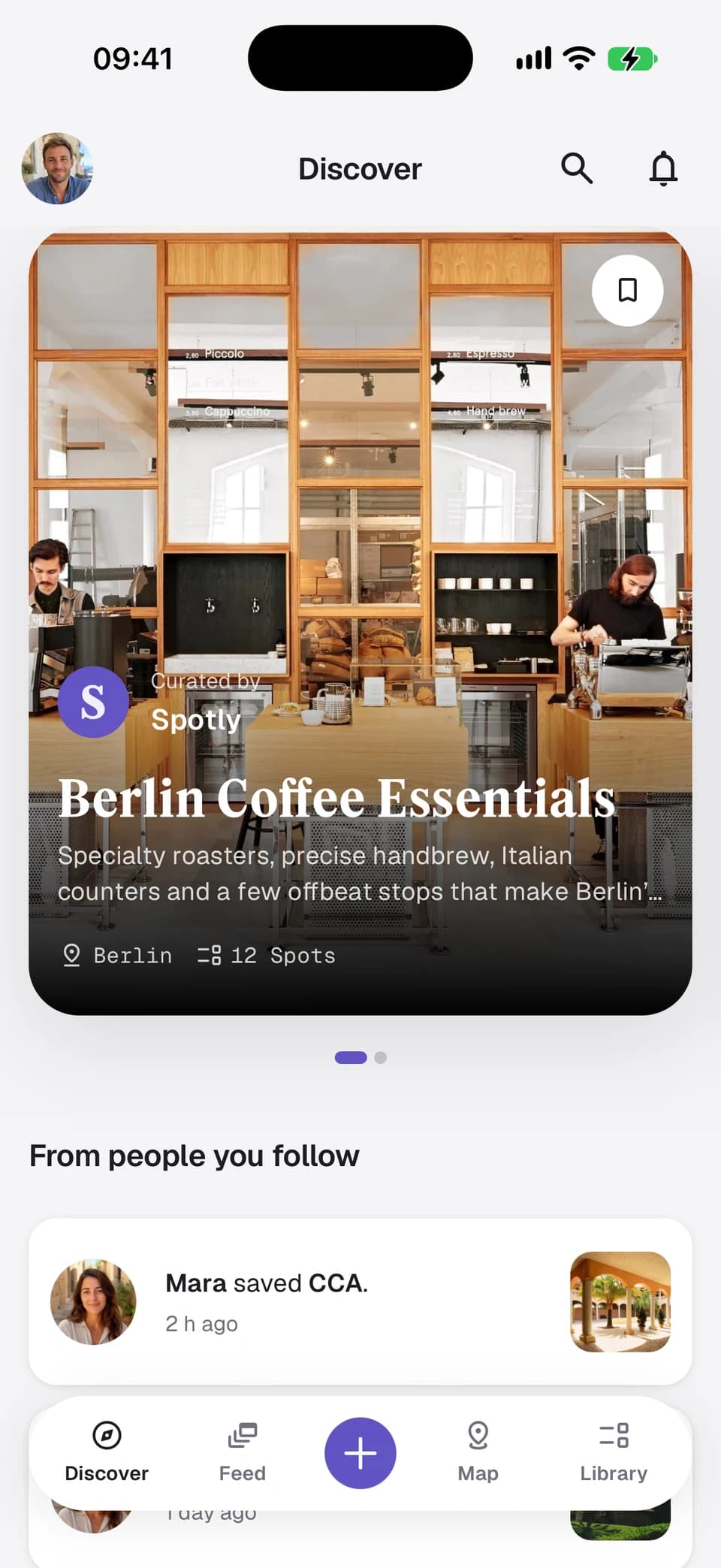
Library
Group spots into lists and folders. Keep a list private, share it with friends, or publish it.
See how it works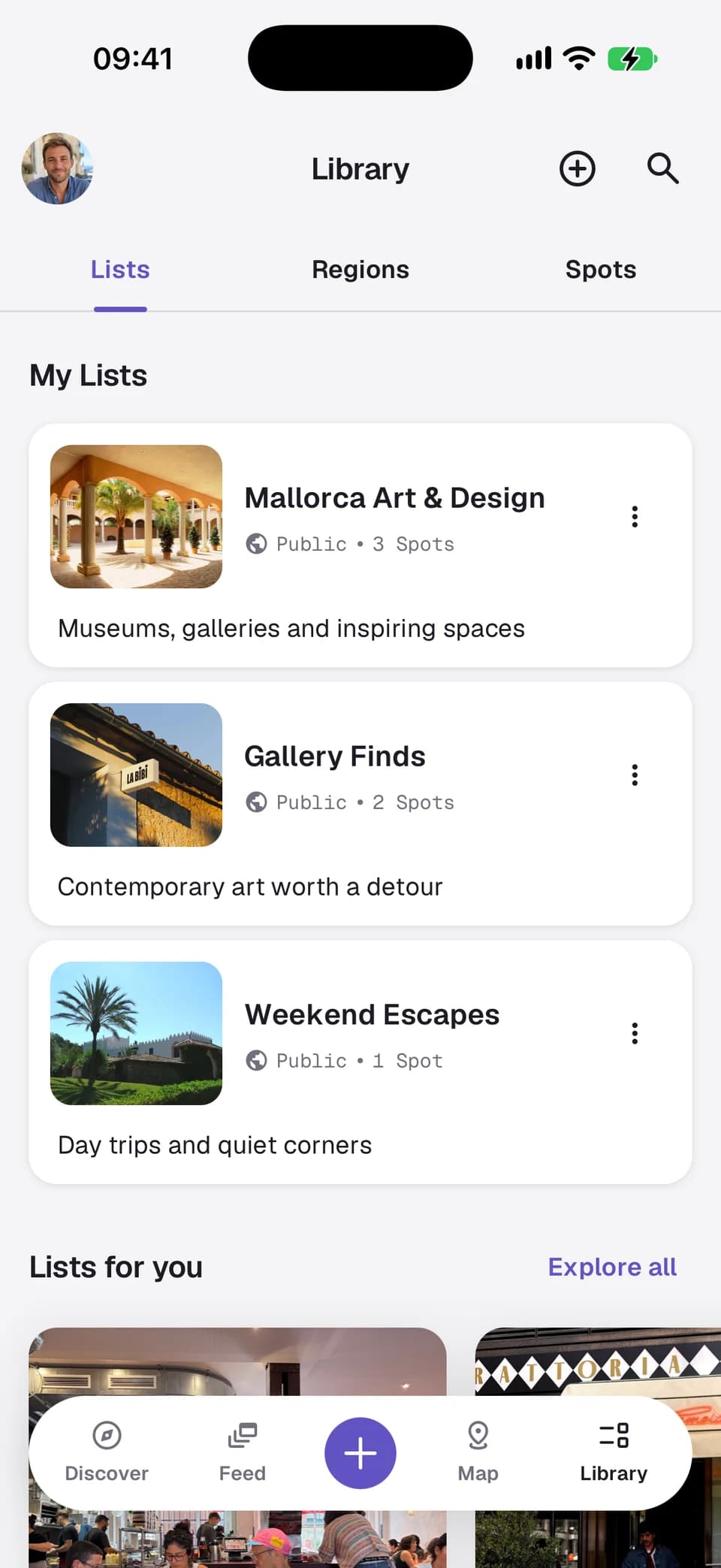
Save a restaurant from a chat with the tip that made it useful, add it to a weekend list, and find it later through search, by region, or on the map.
Step 1
Step 2
Step 3
Step 4
Keep content private, share it with friends, or make it public. Friends-only links reveal no place or list details on the public website.
Download Spotly and start building your own searchable library of places.


 Separate visibility controls for spots and lists